Control Flow in JavaScript: If, Else, and Switch Explained

When you start learning programming, one of the most important concepts you encounter is control flow.
But before we understand control flow, let’s think about real life.
Real-Life Decision Making
Imagine this situation:
If it is raining → You take an umbrella.
If it is not raining → You don’t take an umbrella.
Or:
If your marks are above 50 → You pass.
Otherwise → You fail.
Every day, we make decisions based on conditions.
Programming works the same way.
A computer does not “think” like humans. It only follows instructions. So we must clearly tell it:
When to run certain code
When to skip code
When to choose between multiple options
This decision-making ability is called control flow.
1. What is Control Flow in Programming?
In simple words:
Control flow refers to the order in which the computer executes instructions in a program.
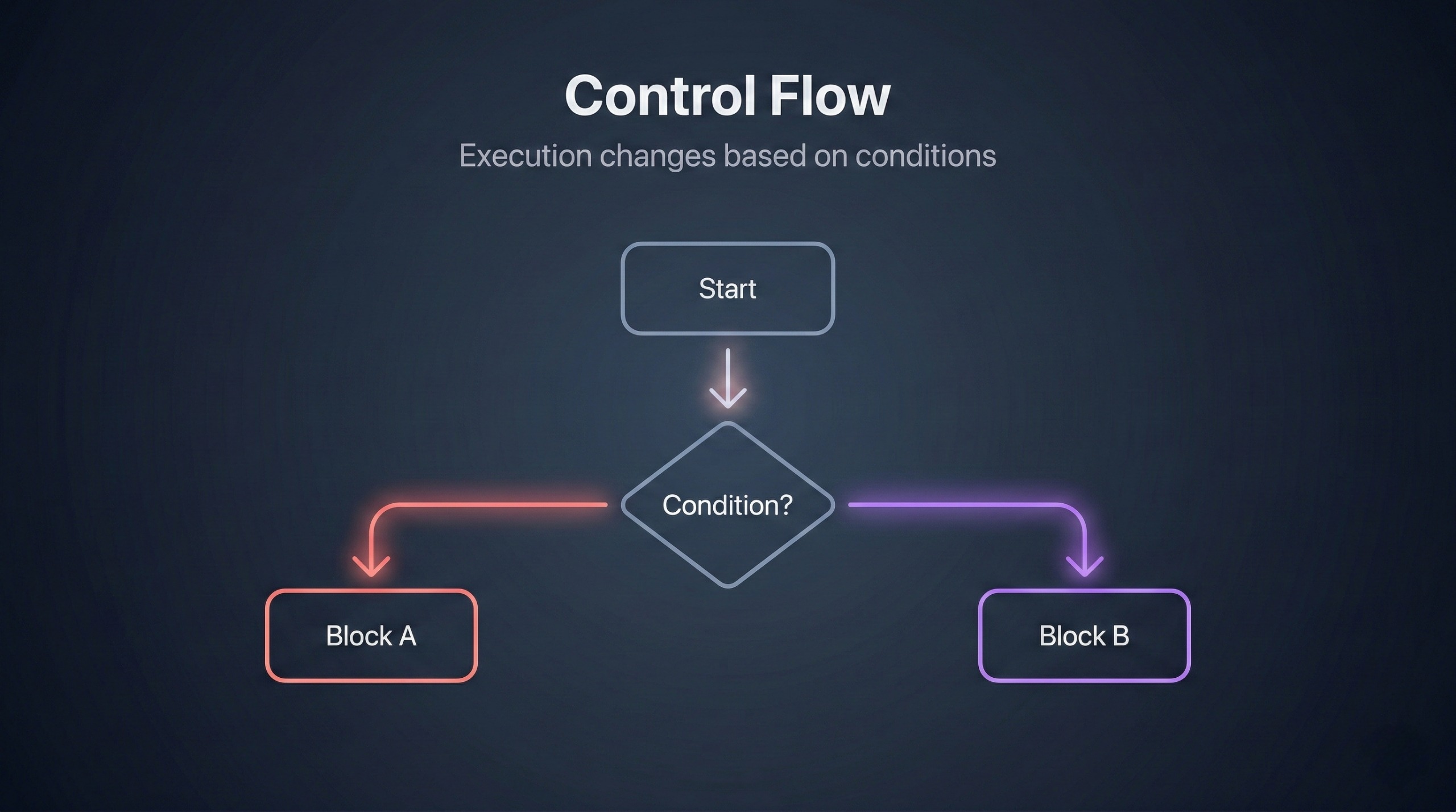
By default, JavaScript executes code line by line from top to bottom. This is called sequential flow.
Let’s understand that first.
Sequential Flow (Default Execution)
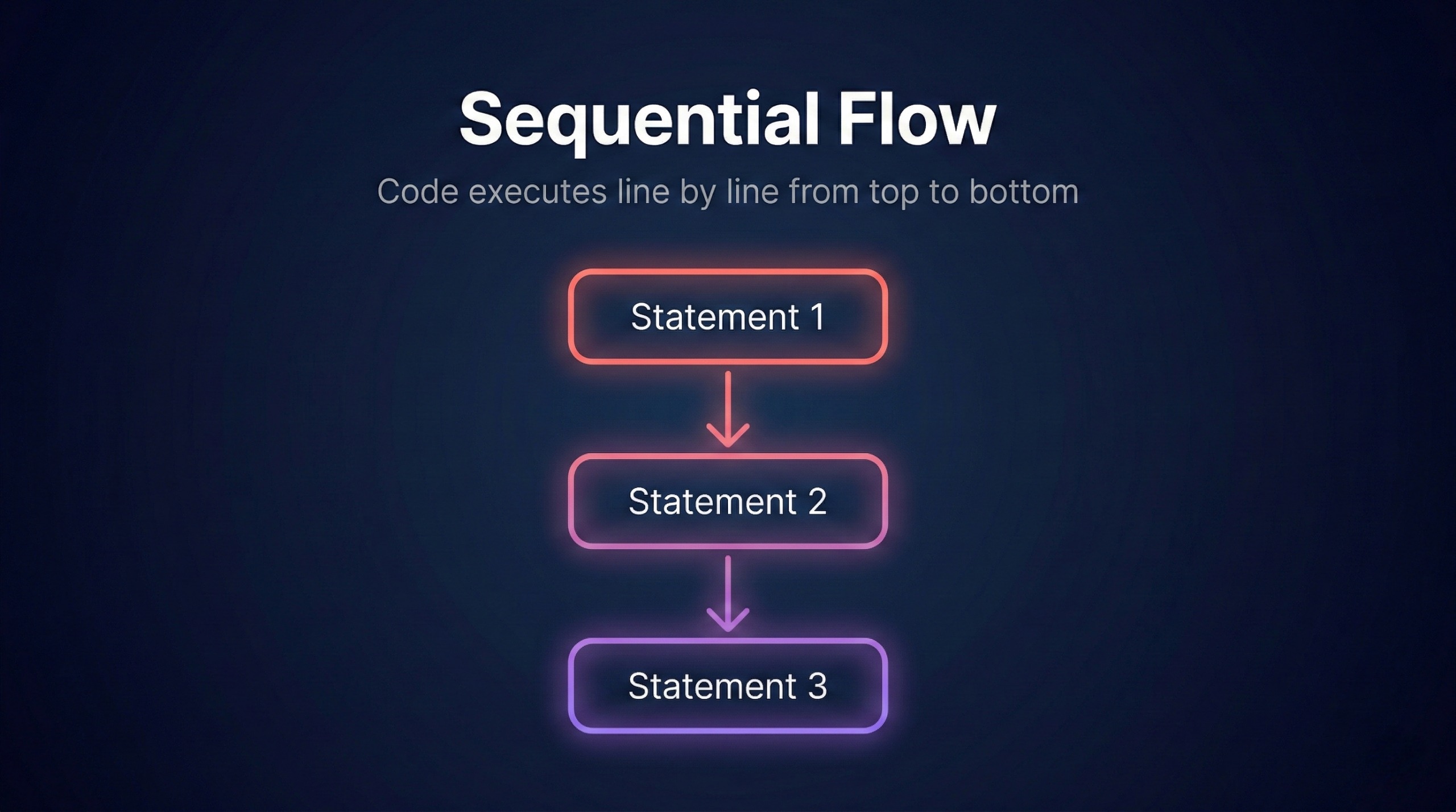
Sequential flow means the program runs each line in order.
Example:
let a = 10;
let b = 20;

console.log(a);
console.log(b);
console.log(a + b);
Output:
10
20
30
Step-by-step execution:
ais assigned 10bis assigned 20console.log(a)prints 10console.log(b)prints 20console.log(a + b)prints 30
Everything runs in order.
There are no decisions here.
But real programs need decision making.
That’s where control flow comes in.
2. The if Statement
The if statement is the most basic control flow statement.
It allows the program to execute a block of code only if a condition is true.
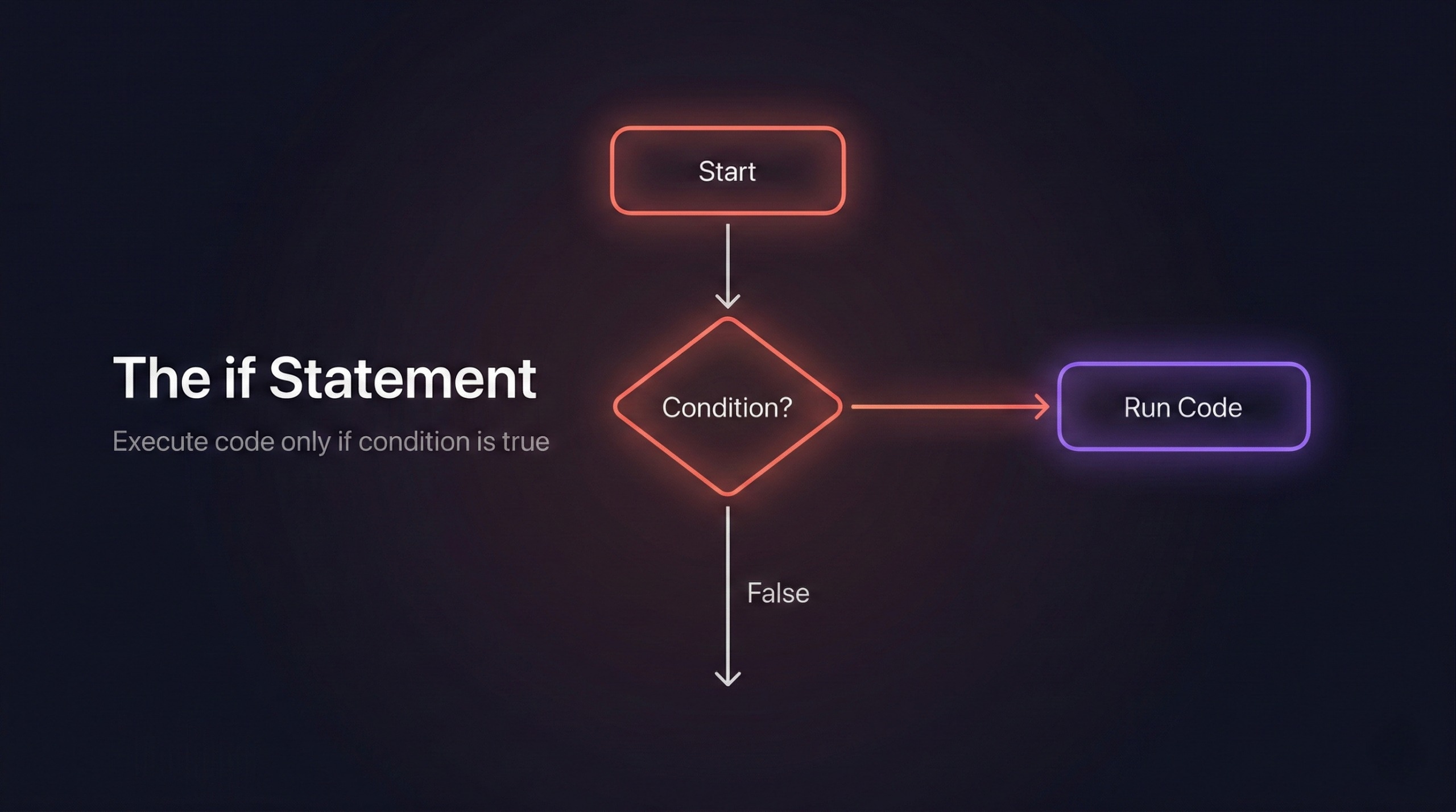
In simple words:
“If this condition is true, do this.”
Syntax
if (condition) {
  // code runs if condition is true
}
The condition must return either:
truefalse
Example: Checking Age
let age = 20;

if (age >= 18) {
  console.log("You are eligible to vote.");
}
How it runs step-by-step:
JavaScript checks:
age >= 1820 >= 18 → true
Since condition is true → it runs the code inside
{ }Output:
You are eligible to vote.
Now imagine:
let age = 15;
15 >= 18 → false
So the block is skipped. Nothing prints.
The program continues to the next line.
Why the if Statement is Important
The if statement:
Enables decision making
Allows user validation
Makes programs dynamic
Is used in almost every application
Without if, programs would just run blindly.
3. The if-else Statement
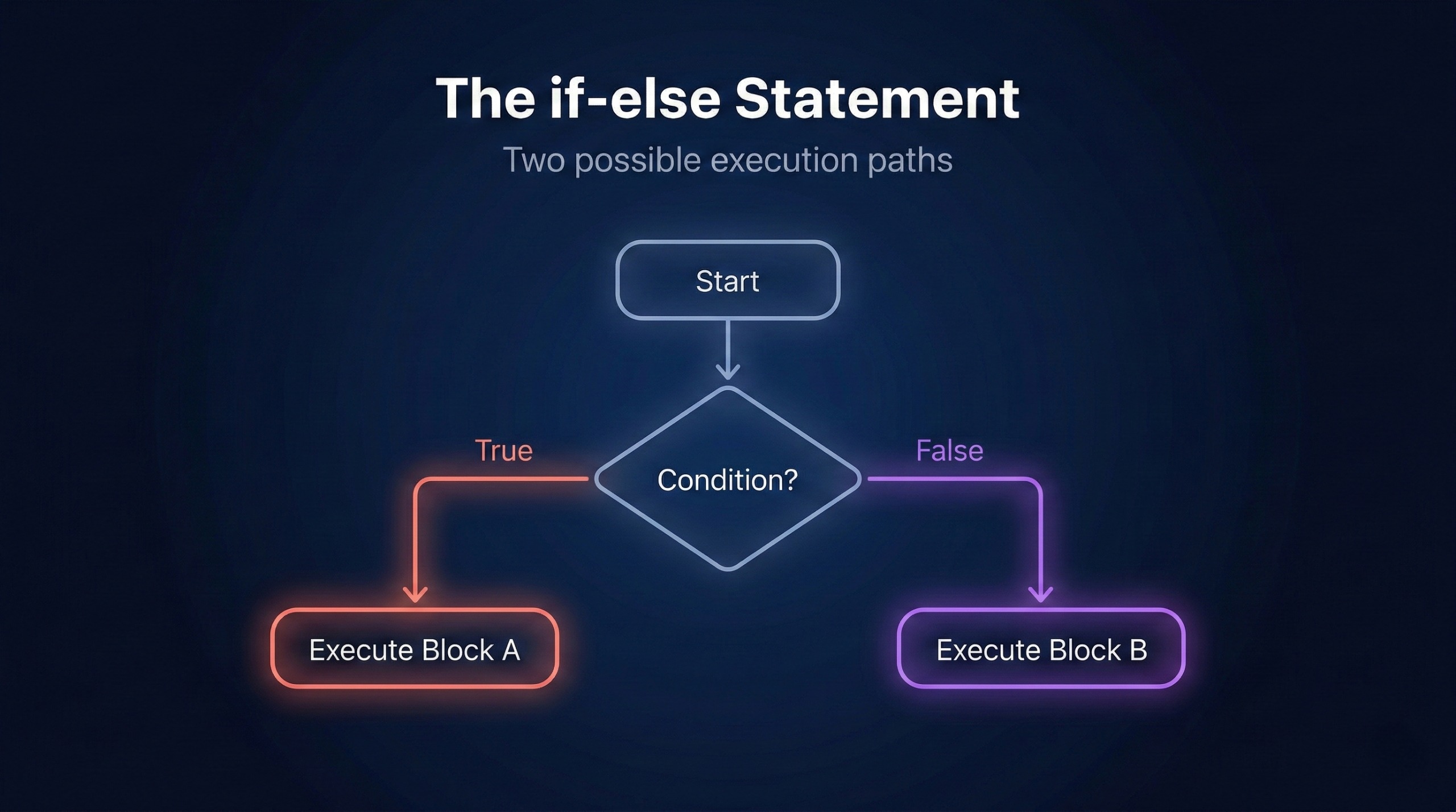
Sometimes we need two possible outcomes.
If condition is true → do something
If condition is false → do something else
That’s where if-else is used.
Syntax
if (condition) {
  // runs if true
} else {
  // runs if false
}
Only one block runs never both.
Example: Pass or Fail
let marks = 35;

if (marks >= 40) {
  console.log("Pass");
} else {
  console.log("Fail");
}
Step-by-step:
Check: 35 >= 40
Condition is false
Skip
ifblockRun
elseblockOutput:
Fail
Now if:
let marks = 75;
75 >= 40 → true
So Pass will be printed.
Real-Life Example
let password = "12345";

if (password === "12345") {
  console.log("Access Granted");
} else {
  console.log("Access Denied");
}
If password matches → access granted
If not → access denied
This logic is used in login systems everywhere.
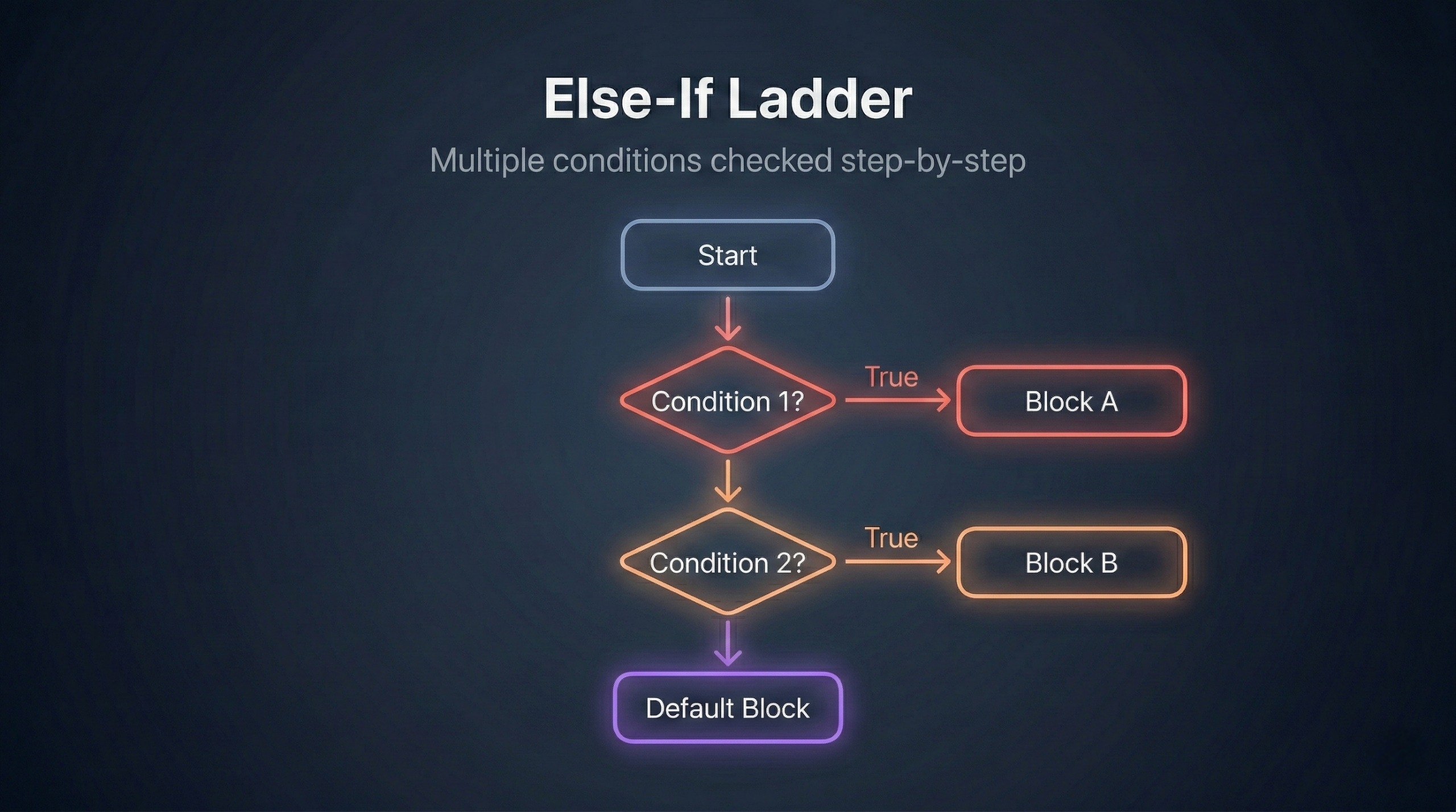
4. The else if Ladder
What if we have more than two possibilities?
Example:
If marks >= 90 → Grade A
If marks >= 75 → Grade B
If marks >= 50 → Grade C
Otherwise → Fail
For this, we use the else if ladder.
Syntax
if (condition1) {
  // code
} else if (condition2) {
  // code
} else if (condition3) {
  // code
} else {
  // code
}
The program checks conditions from top to bottom.
As soon as one condition becomes true, the rest are skipped.
Example: Grade Calculation
let marks = 82;

if (marks >= 90) {
  console.log("Grade A");
} else if (marks >= 75) {
  console.log("Grade B");
} else if (marks >= 50) {
  console.log("Grade C");
} else {
  console.log("Fail");
}
Step-by-step execution:
Is 82 >= 90? → false
Is 82 >= 75? → true
Print "Grade B"
Stop checking further conditions
Only one block runs.
This structure looks like a ladder that’s why it’s called an else if ladder.
Example: Positive, Negative, or Zero
let number = -5;

if (number > 0) {
  console.log("Number is positive");
} else if (number < 0) {
  console.log("Number is negative");
} else {
  console.log("Number is zero");
}
Here we use if-else because we are checking ranges, not exact matches.
Switch is not suitable for this situation.
Comparison Operators Used in Conditions
Inside if statements, we commonly use:
==→ Equal to===→ Strict equal (value + type)!=→ Not equal>→ Greater than<→ Less than>=→ Greater than or equal<=→ Less than or equal
We can also combine conditions:
&&→ AND||→ OR!→ NOT
Example:
let age = 25;

if (age >= 18 && age <= 60) {
  console.log("Eligible for working category");
}
5. The switch Statement
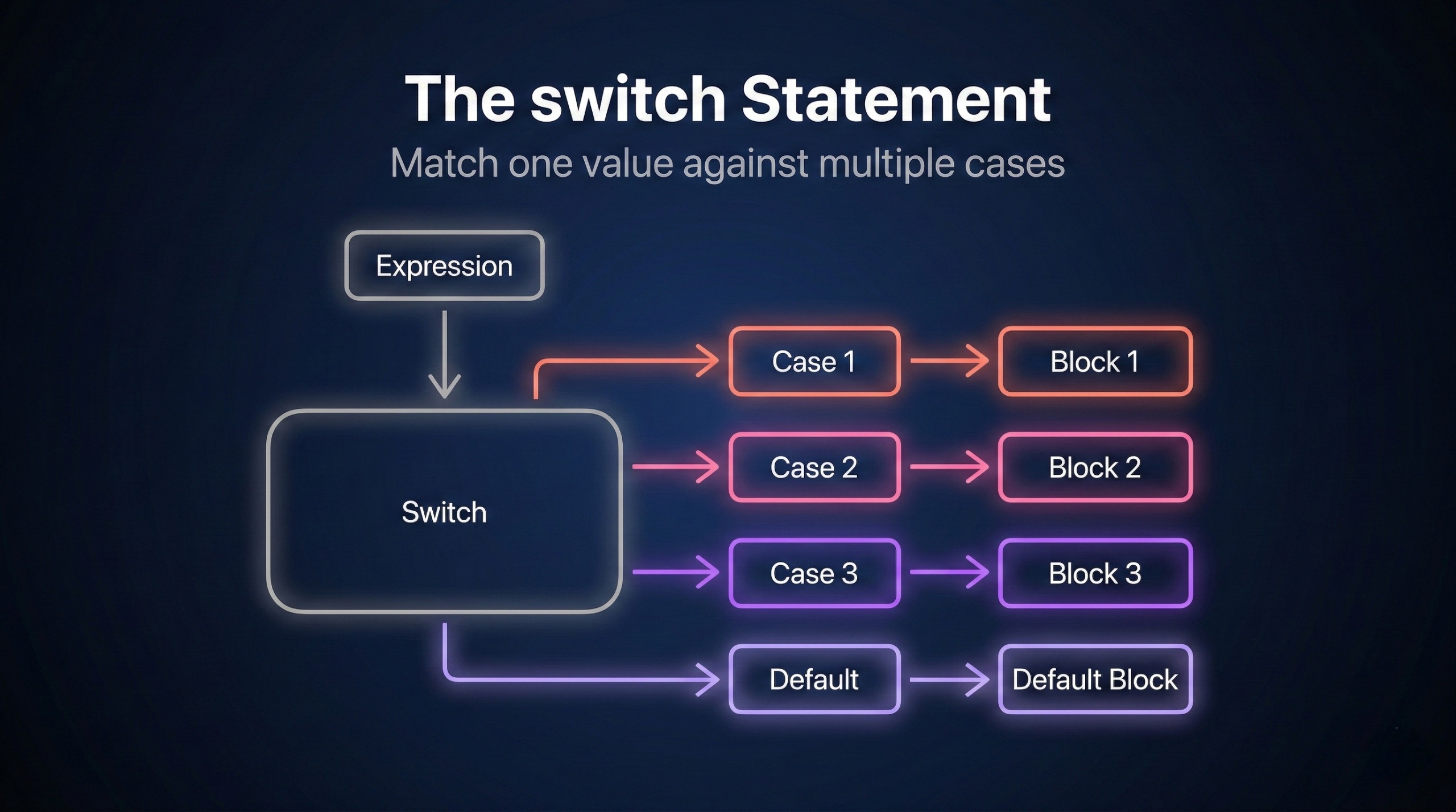
The switch statement is used when we need to compare one variable against many fixed values.
It is cleaner than writing many else if statements.
Syntax
switch (expression) {
  case value1:
    // code
    break;

  case value2:
    // code
    break;

  default:
    // code
}
Example: Print Day of Week
let day = 3;

switch (day) {
  case 1:
    console.log("Monday");
    break;

  case 2:
    console.log("Tuesday");
    break;

  case 3:
    console.log("Wednesday");
    break;

  default:
    console.log("Invalid day");
}
How switch Works Step-by-Step
It evaluates the value of
dayCompares it with each
caseWhen a match is found → executes that block
breakstops executionIf no case matches →
defaultruns
If day = 3:
Case 1 → no match
Case 2 → no match
Case 3 → match
Print "Wednesday"
break stops execution
Why break is Important in switch
If you don’t use break, the program continues executing the next cases even if they don’t match.
This is called fall-through behavior.
Example without break:
let day = 1;

switch (day) {
  case 1:
    console.log("Monday");
  case 2:
    console.log("Tuesday");
}
Output:
Monday
Tuesday
Even though day is 1, it prints both.
Why?
Because there is no break.
So:
Always use break unless you intentionally want fall-through.
Is default Required?
default is not mandatory, but it is highly recommended.
It works like else in an if-else structure.
It handles unexpected values.
6. When to Use switch vs if-else
Both are decision-making tools, but they are used in different situations.
Use switch When:
You are checking one variable
You are comparing exact values
You have many fixed options
You want cleaner code
Example:
Day of week
Menu selection
User roles
Use if-else When:
You are checking ranges
You are using >, <, >=, <=
Conditions are complex
You combine multiple variables
Example:
Grade calculation
Age eligibility
Positive/negative check
Final Thoughts
Control flow is the backbone of programming logic.
Without control flow:
Programs would only run sequentially
No decisions could be made
Applications would not be dynamic
With control flow:
Programs respond to conditions
Programs become intelligent
Real-world problems can be solved
Quick Summary
Sequential flow → runs top to bottom
if→ runs code if condition is trueif-else→ two possible pathselse if→ multiple conditionsswitch→ multiple exact value comparisonsbreak→ stops switch execution
Once you understand control flow, you truly start thinking like a programmer.
It is one of the most important foundations in JavaScript and in programming in general.

